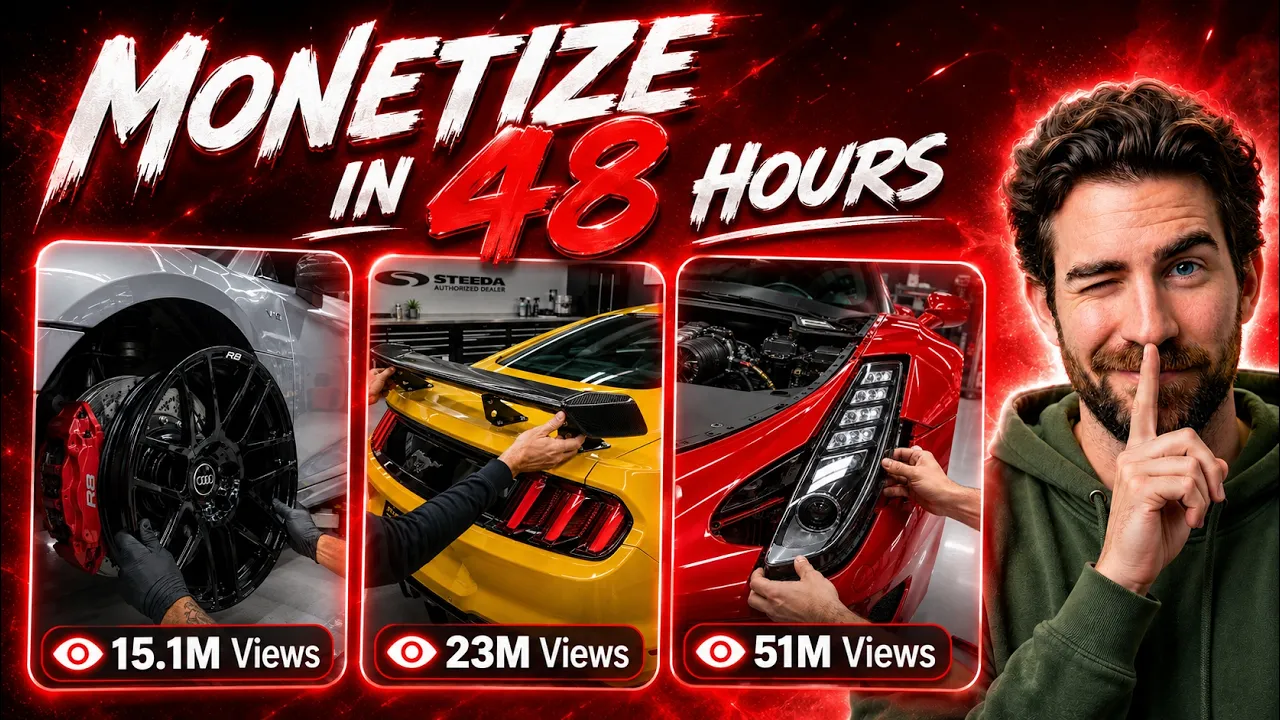
Create Viral AI Car Modification Videos for Free (2026 Guide) – Step-by-Step Using ChatGPT, Google Flow & Suno AI
AIPRM Prompt: Human Written | 100% Unique | SEO Optimized Article
If you’ve been scrolling through Instagram, TikTok, or YouTube Shorts recently, you’ve probably noticed one trend dominating the automotive niche—AI-generated car modification videos.
These videos feature luxury cars transforming into stunning customized versions with satisfying animations, cinematic camera angles, and ASMR mechanical sounds. The best part? Many creators are earning millions of views without ever touching a real vehicle.
Some AI-powered pages have already gained 100,000+ followers, while individual videos have crossed 18 million views. This proves that there is massive demand for this content format in 2026.
In this guide, you’ll learn how to create these viral AI car customization videos completely free, using powerful AI tools like ChatGPT, Google Flow, Suno AI, and CapCut.
Why AI Car Modification Videos Are Going Viral
These videos perform exceptionally well because they combine several highly engaging elements:
- Luxury vehicles
- Satisfying transformation sequences
- Cinematic camera movements
- ASMR mechanical sounds
- Short-form, addictive storytelling
Platforms like Instagram Reels, TikTok, YouTube Shorts, and Facebook Reels heavily promote this style of content because viewers tend to watch until the end.
Tools You’ll Need
Here’s everything required for this workflow.
1. ChatGPT (or Any AI Chatbot)
Use an AI chatbot to generate detailed prompts.
Alternatives include:
- ChatGPT
- Claude
- Gemini
- DeepSeek (excellent free option)
Official Links:
- ChatGPT: https://chat.openai.com/
- Claude: https://claude.ai/
- Gemini: https://gemini.google.com/
- DeepSeek: https://chat.deepseek.com/
2. Google Flow
Google Flow generates high-quality AI videos from prompts.
Features include:
- Free daily credits
- Multiple aspect ratios
- Saved Frame Continuity
- Omni Flash model
- High-quality AI video generation
Official Website:
https://labs.google/fx/tools/flow/
3. CapCut
CapCut is used for editing your generated clips together.
You’ll use it for:
- Combining scenes
- Adding music
- Audio balancing
- Exporting final videos
Official Website:
4. Suno AI
Suno AI creates original background music.
You can generate cinematic instrumental soundtracks perfectly suited for luxury car videos.
Official Website:
Step 1: Generate Your AI Video Prompt
Open your preferred chatbot.
Paste your master prompt into the chat.
Once processed, the AI will ask:
How many car videos would you like to create today?
Choose between 1 and 10.
For beginners, generating one video is recommended.
Step 2: Select Your Vehicle
The chatbot generates various luxury vehicles such as:
- Mercedes AMG G63
- Porsche 911 GT3
- BMW M4 Competition
- Range Rover Sport
- Rolls-Royce Cullinan
- Lamborghini Urus
- Ferrari SF90
Choose your favorite.
Example:
Mercedes AMG G63
Then choose a color.
Example:
Metallic Silver
Send both back to the chatbot.
Step 3: Choose Short Form or Long Form
The AI now asks which type of video you’d like.
Short Form (10 Seconds)
Perfect for:
- TikTok
- Instagram Reels
- YouTube Shorts
One prompt creates the complete transformation.
Long Form (20–30 Seconds)
Ideal for:
- YouTube
- Automotive compilations
The AI divides the project into multiple connected prompts.
Each section continues from the previous clip for a smooth cinematic result.
Step 4: Copy the Generated Prompt
The chatbot generates a professional prompt containing:
- Car consistency instructions
- Color consistency
- Lighting
- Studio environment
- Camera movements
- Complete transformation sequence
Copy the entire prompt without removing any section.
Every instruction helps maintain visual consistency.
Step 5: Generate Videos with Google Flow
Open Google Flow.
Create a new project.
Recommended settings:
Vertical Videos
- Aspect Ratio: 9:16
- Model: Omni Flash
- Duration: 10 seconds
- Output: 1x
Perfect for Shorts and Reels.
Landscape Videos
Use:
- Aspect Ratio: 16:9
- Duration: 6–8 seconds per clip
Ideal for YouTube.
Paste the prompt and click Generate.
Google Flow processes the video using its AI model.
After a short wait, your cinematic luxury car transformation video is ready.
Step 6: Create Longer Videos Using Saved Frame Continuity
Long-form content requires multiple connected clips.
Google Flow’s Saved Frame feature keeps everything visually consistent.
Workflow:
- Generate Chunk 1.
- Save the final frame.
- Use it as the starting image for Chunk 2.
- Repeat for Chunk 3.
Benefits include:
- Same vehicle
- Same color
- Same lighting
- Smooth transitions
- Continuous customization process
This produces videos that look professionally animated.
Step 7: Combine Your AI Clips
Google Flow also allows you to merge generated clips.
Simply:
- Open the first clip
- Click Add Clip
- Select the second clip
- Repeat for the third
The final sequence becomes one longer cinematic video.
Download it once complete.
Step 8: Edit Everything in CapCut
Import all generated clips.
Arrange them in order.
Because the Saved Frame workflow maintains continuity, transitions should already appear smooth.
Now polish the project.
Add Background Music
Import cinematic instrumental music.
Lower the volume so it complements the visuals instead of overpowering them.
Good background music dramatically improves viewer retention.
Keep Mechanical Sounds
If your AI-generated clips include clean mechanical audio, preserve sounds like:
- Tool clicks
- Wheel installation
- Carbon fiber placement
- Engine startup
- Metallic impacts
These satisfying ASMR effects make videos far more engaging.
Step 9: Generate AI Music with Suno
Open Suno AI.
Example prompt:
Cinematic instrumental background music for a luxury miniature car customization video, satisfying automotive ASMR atmosphere, premium commercial energy, no vocals.
Generate multiple tracks.
Preview each version.
Download the one that best matches your video’s mood.
Before monetizing, always review Suno’s current licensing and commercial usage terms for your subscription plan.
Step 10: Final Export
Before exporting, review everything carefully.
Checklist:
- Vehicle remains consistent
- Color doesn’t change
- Smooth transitions
- No duplicated frames
- Music balanced properly
- Mechanical sounds remain clear
- Final reveal lasts long enough
Export at:
- 1080p
- 1440p
- 4K (if available)
Your AI luxury car modification video is now ready for publishing.
Best Platforms to Upload
These videos perform extremely well on:
- YouTube Shorts
- TikTok
- Instagram Reels
- Facebook Reels
- Pinterest Video Pins
Repurpose the same content across multiple platforms to maximize reach.
Tips to Increase Viral Potential
- Use luxury vehicles people recognize.
- Keep transformations fast and satisfying.
- Maintain consistent colors throughout the sequence.
- Add cinematic camera movements.
- Use premium background music.
- Include realistic mechanical ASMR sounds.
- Post consistently.
Can You Monetize AI-Generated Videos?
Yes, many creators monetize AI-generated videos through platforms like YouTube and Facebook, provided they comply with each platform’s monetization policies and disclose AI-generated content where required. Ensure your videos add original value through editing, storytelling, sound design, or creative presentation, and always respect the licensing terms of the AI tools and music you use.
Final Thoughts
AI-generated car customization videos have become one of the fastest-growing content trends across social media. By combining ChatGPT (or another AI chatbot) for prompt creation, Google Flow for video generation, Saved Frame Continuity for seamless scenes, CapCut for editing, and Suno AI for original music, you can create professional-looking videos without expensive equipment or advanced editing skills.
The key to success is consistency. Experiment with different luxury vehicles, colors, and customization styles, refine your editing workflow, and publish regularly. With creativity and persistence, this niche offers excellent opportunities to grow an audience and potentially monetize your content while staying within each platform’s guidelines.
Frequently Asked Questions (FAQs)
Is Google Flow free to use?
Google Flow currently offers free daily credits, allowing users to generate several AI videos before credits refresh.
Which chatbot is best for creating prompts?
ChatGPT, Claude, Gemini, and DeepSeek all work well. DeepSeek is a good choice if you need a free alternative.
Can I create long AI videos?
Yes. Use the Saved Frame Continuity workflow to generate multiple connected clips that maintain visual consistency.
Which editor should I use?
CapCut is one of the easiest editors for combining AI-generated clips, adding music, and exporting high-quality videos.
Can I upload these videos to YouTube Shorts?
Yes, provided you follow YouTube’s monetization policies, disclose AI-generated content where required, and use assets according to the licensing terms of the tools involved.
💰 Want to Make Money Online?
Join our WhatsApp Channel for proven tips on side hustles, passive income, affiliate marketing, and more!
🚀 Join Now & Start Earning!